What Happens When a Business Loses Its Public IP?
A public IP address is easy to overlook when everything is working. It quietly connects a business to customers, employees, cloud services, payment platforms, suppliers, and the wider internet.
Its importance becomes much clearer when the address is changed, withdrawn, blocked, reassigned, or made unusable.
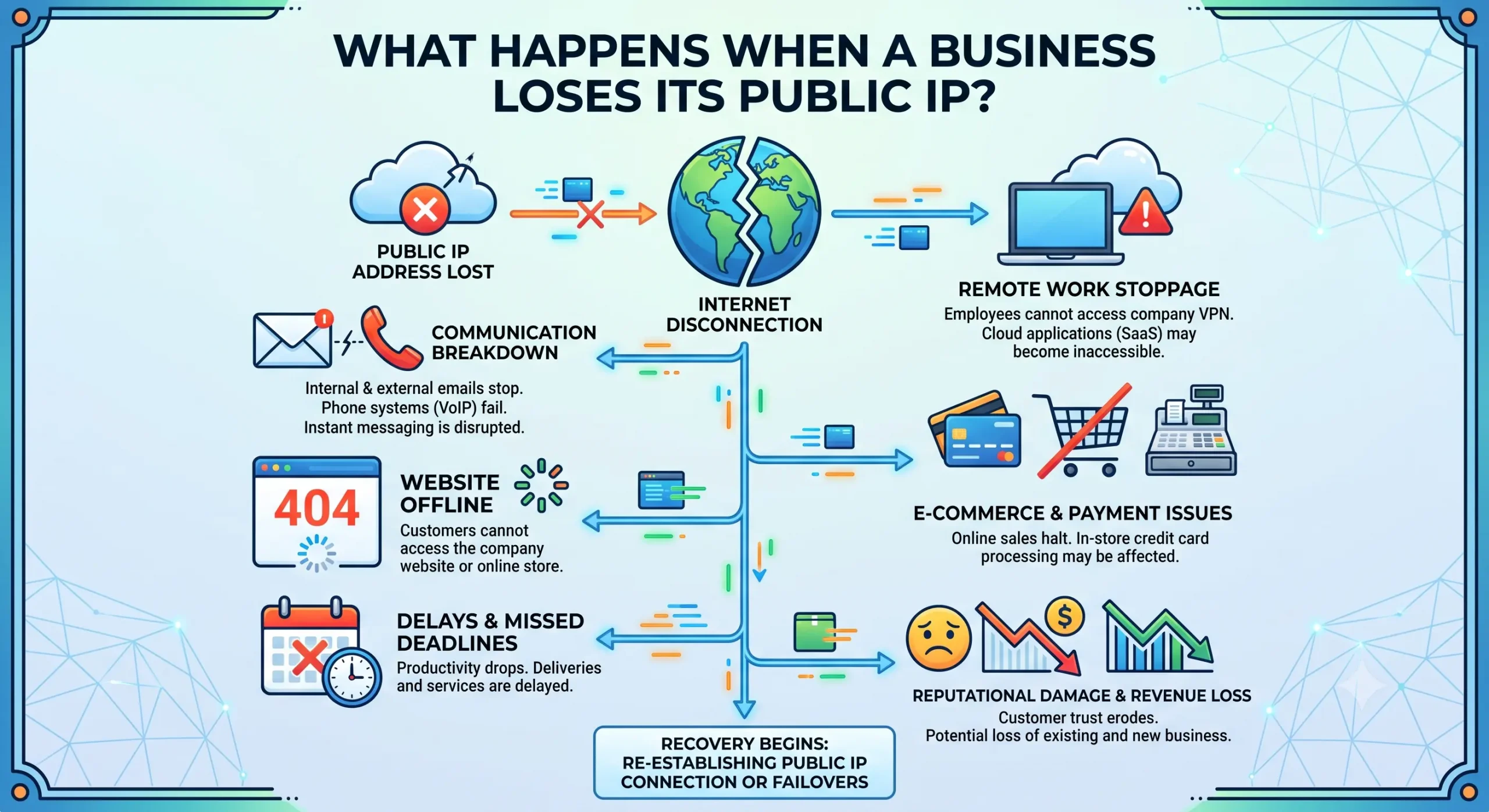
When a business loses its public IP address, the consequences can extend far beyond a temporary internet connection problem. Websites may become unreachable, trusted integrations may stop working, emails may be rejected, employees may lose remote access, and security controls may no longer operate as expected.
Even after a replacement address is available, the business may still need to rebuild the technical trust, reputation, and configuration associated with its previous network identity.
Understanding how a public IP address works is therefore not only useful for network engineers. It is increasingly important for business leaders responsible for operational resilience, security, and digital continuity.
Key Takeaways
When a business loses a public IP address:
- Customer-facing systems may become unavailable.
- DNS records may continue directing users to the old address.
- Partner and supplier allowlists may block the replacement address.
- VPNs and remote-access systems may stop working.
- Email deliverability may decline.
- Monitoring and fraud-detection tools may flag legitimate activity.
- Routing, registry, reverse DNS, and geolocation records may require updates.
- The new address may not carry the trust or reputation of the previous one.
The severity depends on how many systems, partners, and security policies rely on the address.
What Does It Mean to Lose a Public IP Address?
A business does not always “lose” a public IP in the same way.
The address may have been dynamically assigned by an internet service provider and changed without adequate preparation. A cloud platform may reclaim it after an instance or service is deleted. An address lease may expire, a hosting contract may end, or a network migration may be completed without preserving the existing address.
In other cases, the business may still have administrative access to the IP address, but the address becomes operationally unusable because of:
- Routing errors
- Incorrect registry information
- Reputation damage
- Blocklist entries
- Abuse history
- Geolocation problems
- Missing route authorisation
- Provider or account disputes
The result is similar: the business can no longer depend on the address to maintain stable, trusted connectivity.
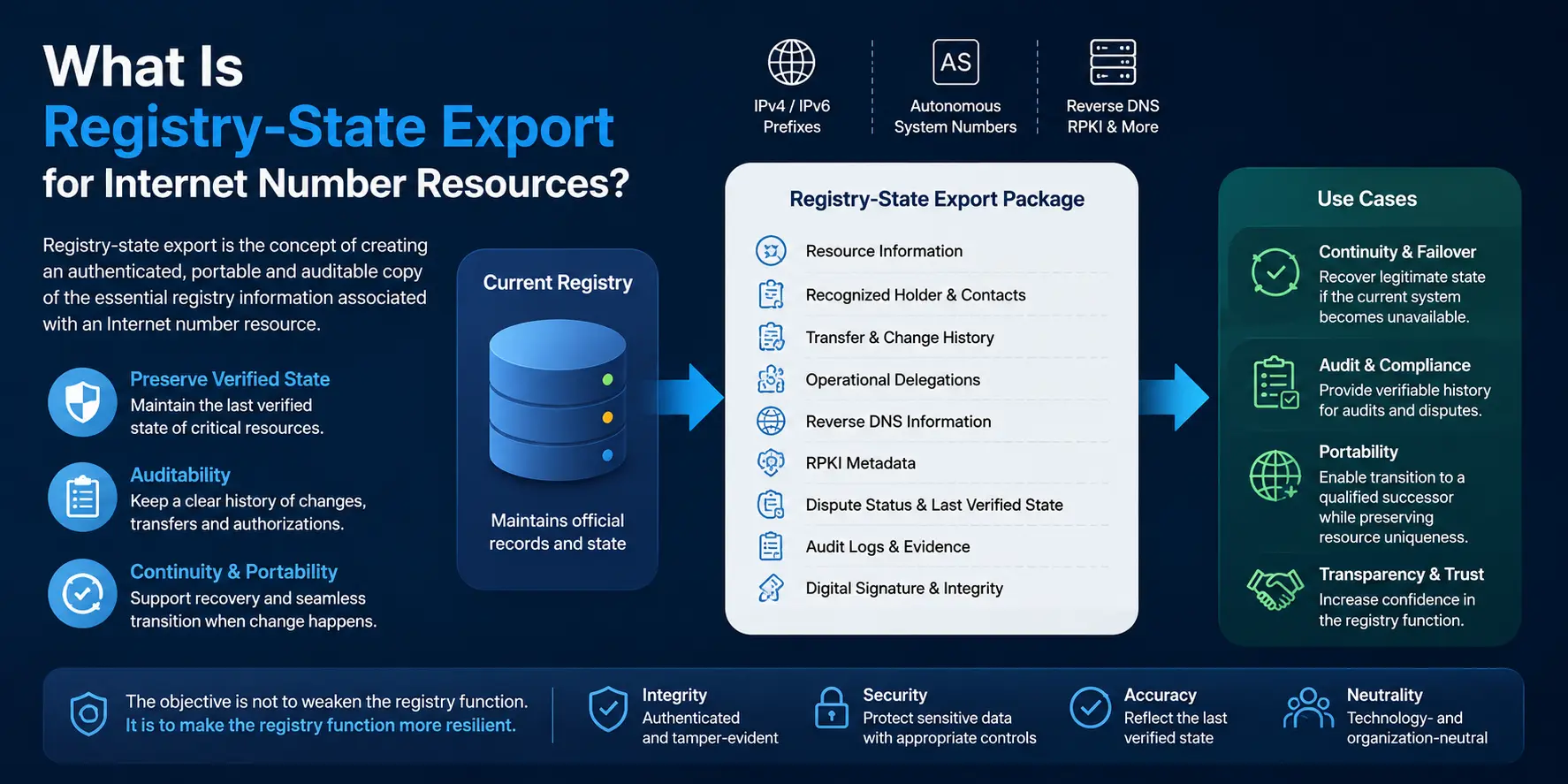
IPv4 addresses are 32-bit internet number resources coordinated through the global registry system. The IANA overview of internet number resources explains the role of IPv4, IPv6, and Autonomous System Numbers in internet communication.
Customer-Facing Services May Go Offline
Websites, customer portals, APIs, email gateways, VPNs, application servers, and other internet-facing services may be linked directly or indirectly to a public IP address.
When that address changes unexpectedly, DNS records may continue sending users to the previous location.
A business may update its DNS records immediately, but recursive DNS resolvers can retain the old information until the record’s time to live expires. According to Cloudflare’s DNS TTL documentation, TTL settings determine how long DNS records are cached and therefore influence how quickly record changes reach users.
During this transition, customers may experience:
- An unreachable website
- Application connection failures
- API timeouts
- Failed login attempts
- Interrupted online transactions
- Delayed or rejected emails
- Inconsistent access across different locations
Some users may reach the replacement address while others are still directed to the old one. This creates an outage that appears intermittent and can be difficult to diagnose.
For a business that depends on digital sales, subscriptions, cloud applications, or online customer service, even a short interruption may affect revenue and confidence.
Trusted Partner Connections Can Break
Many organizations use IP allowlisting to control access to sensitive systems.
Banks, payment processors, cloud platforms, suppliers, data providers, enterprise customers, and government systems may only accept connections from public IP addresses approved in advance.
When a business loses an allowlisted address, the new address is not automatically trusted.
The business may still have valid passwords, certificates, API credentials, and encryption keys, but its connection can be rejected because it originates from an unfamiliar network location.
Restoring access may require the business to:
- Identify every external organization using an IP allowlist.
- Submit the replacement address.
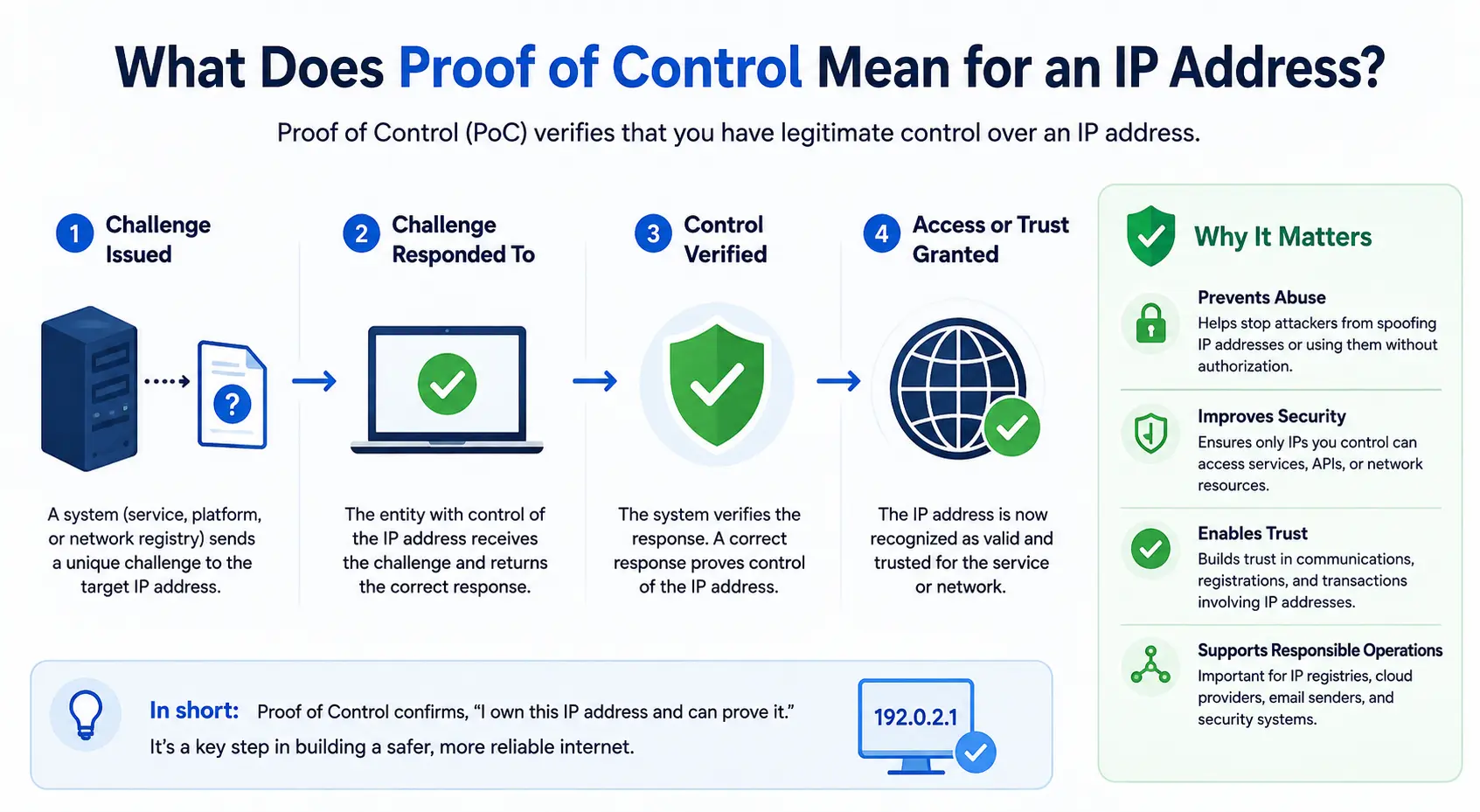
- Complete identity or ownership verification.
- Obtain internal security approval.
- Wait for the partner to update its firewall.
- Test the connection again.
A single unplanned IP change can therefore disrupt relationships across multiple organizations.
The delay is not always technical. It may be caused by approval procedures, security reviews, outdated contact lists, or unclear responsibility between departments.
Remote Employees May Lose Access
Stable public IP addresses often support:
- VPN gateways
- Remote desktop systems
- Secure administration tools
- Site-to-site network connections
- Firewall access policies
- Zero-trust access rules
- Monitoring systems
When the public IP changes, employees may no longer be able to connect to internal applications or company infrastructure.
The problem becomes more serious when the IT team also depends on the same VPN or remote-access gateway. The people responsible for fixing the outage may lose access to the systems they need to investigate.
Distributed businesses, outsourced support teams, and organizations operating across multiple offices are especially exposed to this risk.
A public IP should not become a single point of failure for both normal operations and emergency recovery.
Email Deliverability May Decline
Email systems often evaluate the reputation of the IP address from which a message is sent.
A business may spend years establishing a positive sending history through consistent behaviour, proper authentication, low complaint rates, and responsible email practices.
When the business moves to a replacement IP address, that history does not necessarily move with it.
The new address may have:
- No established reputation
- An unknown sending history
- Previous spam complaints
- Malware associations
- Incorrect reverse DNS
- Existing blocklist entries
- A geolocation inconsistent with the business
As a result, legitimate emails may be delayed, rejected, quarantined, or delivered to spam folders.
The business may also need to update:
- SPF records
- Reverse DNS records
- Mail server configuration
- Provider allowlists
- Monitoring tools
- Email authentication settings
Replacing the address may restore the mail server’s connectivity, but it does not instantly restore its credibility.
Security Controls May Stop Working Properly
Businesses frequently create security policies around known IP addresses.
Firewalls, cloud platforms, identity systems, security information and event management tools, and partner environments may use those addresses to recognise legitimate company traffic.
An unexpected address change creates two opposing risks.
First, legitimate traffic from the new address may be blocked because security systems do not recognise it.
Second, administrators responding to an outage may weaken firewall rules too quickly in an attempt to restore service. Temporary exceptions can become permanent, particularly when teams are working under pressure.
There is also a residual risk connected to the old address. If it is eventually reassigned, another party does not automatically gain access to the former user’s systems. However, outdated DNS records, forgotten allowlists, or poorly maintained partner configurations could continue treating that address as trusted.
Removing the old address from every relevant system is therefore as important as adding the new one.
The Business Can Lose Part of Its Network Identity
A public IP address is more than a technical destination.
It contributes to how a business is recognised across the internet. This broader network identity can include:
- IP addresses
- Autonomous System Numbers
- Routing records
- Registry information
- Reverse DNS
- Geolocation
- Security history
- Abuse-handling records
- Operational reputation
When the address changes, external systems may interpret legitimate activity as unfamiliar or suspicious.
Fraud-detection tools may challenge transactions. Cloud services may request additional authentication. Monitoring systems may create false alerts. Partners may see the traffic as originating from an unexpected country, provider, or network type.
The technical connection may have been restored, but the business’s established network identity may remain fragmented.
Routing and Registry Information May Need Attention
A replacement IP address must be reachable through the global routing system.
Depending on the business’s network model, operators may need to review routing announcements, Internet Routing Registry records, Route Origin Authorisations, upstream-provider filters, and registry data.
The ARIN Internet Routing Registry guidance explains how registry records allow resource holders to publish information that helps internet service providers make routing decisions and recognise legitimate routes.
Incorrect or outdated routing data can lead to:
- Routes being rejected
- Partial internet reachability
- Traffic taking inefficient paths
- Difficulty proving routing authority
- Increased exposure to route hijacking
- Delays during network migration
A company that manages its own prefixes or Autonomous System Number should treat routing documentation as part of the migration plan, not as an administrative task to complete later.
Geolocation Errors Can Affect Access
IP geolocation databases do not always update immediately after an address changes ownership, provider, or location.
A replacement IP may be incorrectly associated with another city, country, hosting provider, proxy service, or risk category.
This can affect:
- Financial transactions
- Content availability
- Advertising
- Fraud prevention
- Regional pricing
- Regulatory controls
- Employee access
- Customer authentication
Users may face additional verification, blocked services, or incorrect regional experiences even though the network itself is technically working.
Correcting the issue may require updates from multiple independent geolocation providers. Those databases may process changes at different speeds.
Monitoring and Analytics Can Become Unreliable
Network and security tools commonly use IP addresses to identify systems and traffic sources.
After an unexpected change, historical data may become divided between the old and new addresses. Automated systems may report a new device, unknown location, or suspicious access pattern.
This can produce:
- False security alerts
- Broken dashboards
- Inaccurate traffic attribution
- Duplicate infrastructure records
- Missed availability checks
- Confusing audit trails
Teams may spend valuable time investigating activity that is legitimate but no longer matches the established address profile.
Maintaining an accurate IP inventory helps monitoring teams distinguish a planned transition from a genuine security incident.
Why Obtaining a Replacement IP Is Not Enough
It may appear that the simplest solution is to obtain another address and update the router.
In practice, the replacement IP is only the beginning of the recovery process.
The business may still need to update:
- DNS records
- Reverse DNS
- Firewall rules
- VPN configurations
- Partner allowlists
- API restrictions
- Email authentication
- Routing records
- Route authorisations
- Registry contacts
- Geolocation databases
- Monitoring systems
- Security documentation
- Disaster-recovery procedures
This explains why public IP continuity should be treated as a business-resilience issue rather than a minor networking concern.
As discussed in Why IP Addresses Are Economic Infrastructure, public IP identity supports digital continuity. Its value comes not only from connectivity, but also from the trust, configuration, and operational relationships built around it.
How Businesses Can Reduce Public IP Address Risk
1. Maintain a Complete IP Inventory
Document every public IP address used by the organization.
For each address, record:
- The provider or registry source
- The responsible business owner
- The technical administrator
- The associated systems
- DNS records
- Reverse DNS
- Firewall dependencies
- Partner allowlists
- Routing information
- Renewal or contract dates
- Recovery procedures
Businesses managing IPv4, IPv6, or ASNs can use this guide to audit their internet number resources and identify missing or outdated records.
2. Understand Who Controls the Address
Determine whether each address is:
- Provider-assigned
- Cloud-reserved
- Dynamically assigned
- Statically assigned
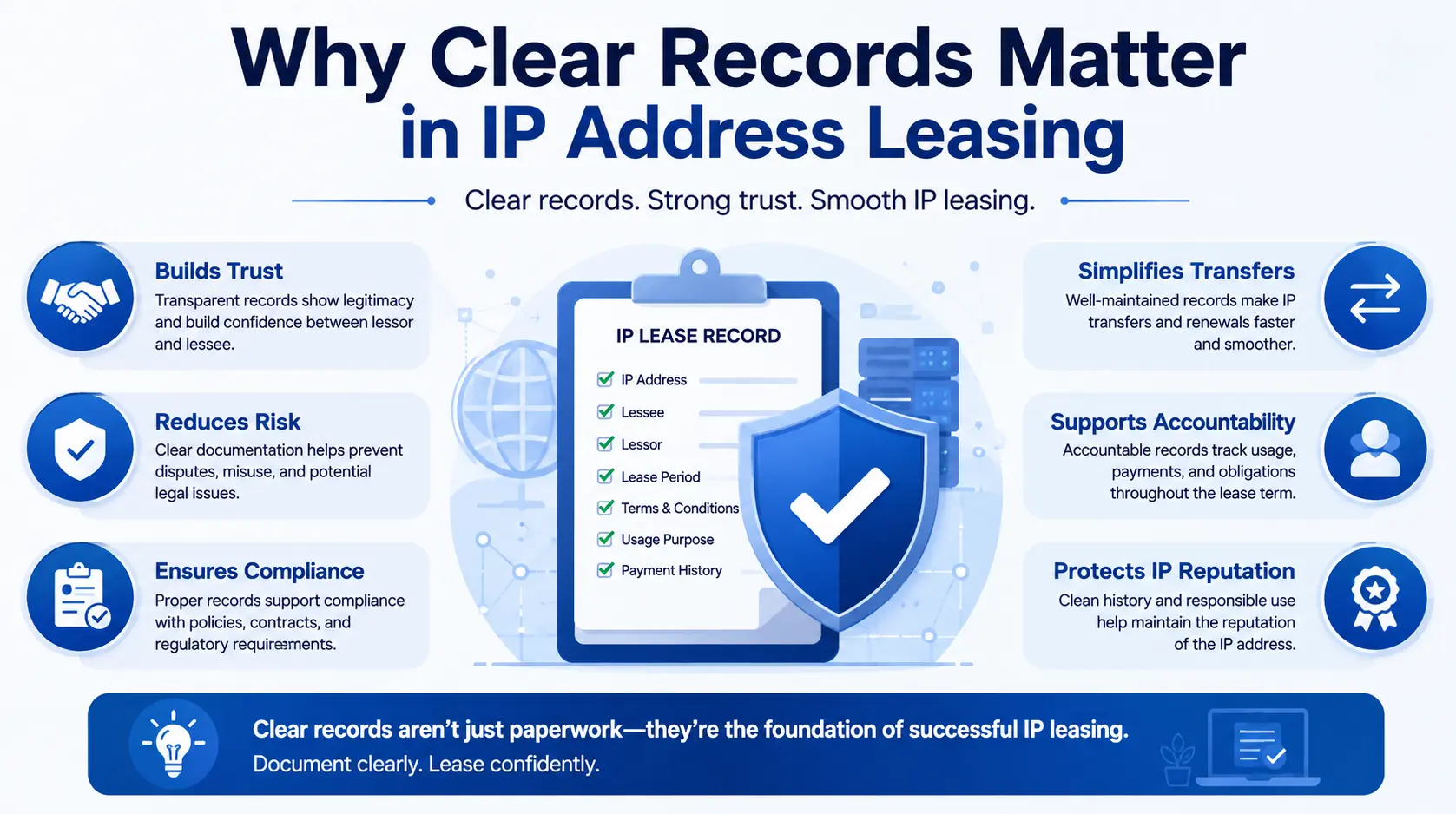
- Leased
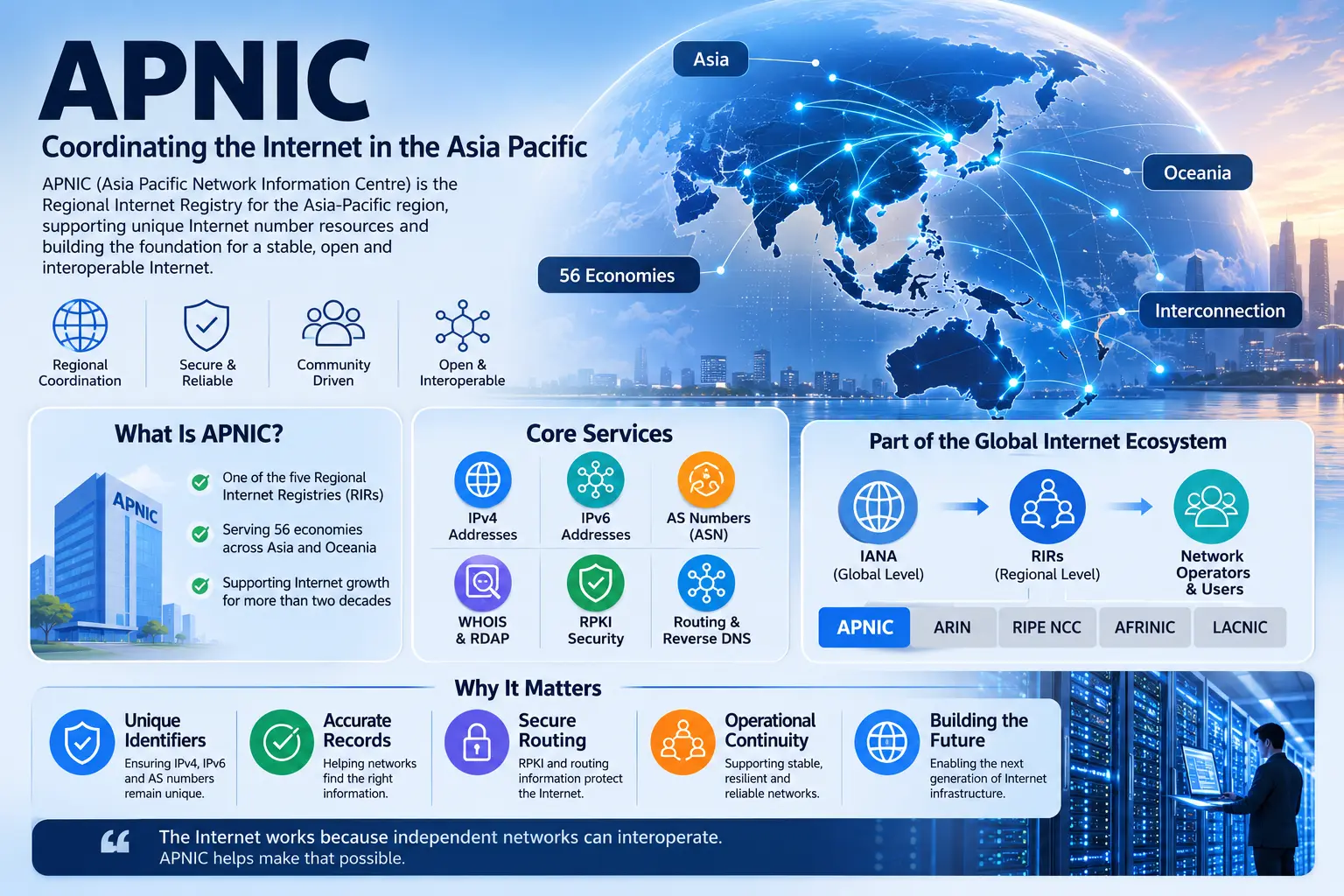
- Allocated through a Regional Internet Registry
- Portable between providers
- Dependent on a specific service contract
A business should understand not only who currently uses the address, but also who has the authority to withdraw, transfer, route, or reassign it.
3. Avoid Unnecessary Single Points of Failure
Critical services should not depend on one public IP, one internet provider, or one network path without a tested recovery method.
Depending on the architecture, continuity measures may include:
- Secondary internet connections
- Redundant VPN gateways
- Multiple application endpoints
- Load balancing
- Cloud failover
- Secondary mail routes
- Automated health checks
- Documented emergency access
Redundancy should be designed before an outage, not improvised during one.
4. Plan DNS Changes in Advance
Before a planned migration, review DNS TTL values and lower them early enough for existing cached records to expire.
Once the migration is complete and stable, TTL values can be adjusted according to the organization’s normal performance and resilience requirements.
Keep the previous environment available during the transition when possible. This reduces the chance that users still holding cached DNS information will encounter a failed connection.
5. Document Every External Allowlist
Maintain a list of partners, suppliers, customers, and platforms that restrict access by IP address.
The list should include:
- The organization’s name
- The affected service
- The approved addresses
- The responsible contact
- The update procedure
- Required verification documents
- Expected processing time
This turns a widespread outage into a manageable sequence of updates.
6. Review the Replacement Address Before Deployment
Before using a replacement IPv4 address in production, evaluate:
- Registry status
- Routing history
- Blocklist status
- Abuse history
- Reverse DNS capability
- Geolocation
- Provider restrictions
- Previous network associations
An address can be technically reachable while still being unsuitable for email, customer authentication, financial services, or sensitive integrations.
7. Keep Registry and Routing Records Accurate
WHOIS or RDAP contacts, IRR records, and route authorisations should reflect the organization’s current network operations.
Role-based contact details are generally safer than records tied to a single employee. When an employee leaves or responsibilities change, critical registry messages should still reach the appropriate team.
8. Test the Recovery Plan
A documented plan is not enough.
Organizations should periodically test:
- DNS failover
- VPN recovery
- Firewall updates
- Partner notification procedures
- Emergency administrator access
- Email delivery from backup infrastructure
- Monitoring from external networks
- Restoration of routing announcements
Testing reveals hidden dependencies before they become part of a real outage.
What Should a Business Do Immediately After Losing Its Public IP?
The response should be coordinated rather than improvised.
Step 1: Confirm What Changed
Determine whether the issue involves:
- Address reassignment
- Provider failure
- Routing loss
- DNS error
- Account suspension
- Lease expiration
- Blocklisting
- Security compromise
Step 2: Identify Affected Services
Use the IP inventory to find every website, server, VPN, mail service, firewall, and partner connection associated with the address.
Step 3: Secure the Old Configuration
Remove the previous address from DNS, allowlists, access policies, monitoring rules, and documentation when it is no longer under the company’s control.
Step 4: Validate the Replacement Address
Check routing, reputation, geolocation, reverse DNS, and registry information before moving critical traffic.
Step 5: Update High-Priority Systems
Prioritise revenue-generating services, security access, customer applications, email, and essential partner integrations.
Step 6: Communicate Clearly
Inform employees, customers, suppliers, and technical partners when the disruption affects them. Provide a clear service status rather than allowing different departments to issue conflicting explanations.
Step 7: Review the Root Cause
After service has been restored, determine why the loss occurred and what controls could prevent the same problem from happening again.
Public IP Continuity Is Business Continuity
Businesses carefully manage domains, software licences, cloud accounts, certificates, and physical infrastructure. Public IP addresses deserve similar attention.
An address can become deeply embedded in security policies, partner systems, routing records, DNS configurations, application settings, and reputation databases.
Losing it can therefore mean losing more than connectivity.
It can mean losing an established point of trust between the business and the rest of the internet.
The organizations best prepared for this risk are not necessarily those with the most addresses. They are those that understand which addresses matter, how they are controlled, what depends on them, and how services will continue when circumstances change.
Conclusion
When a business loses its public IP address, the immediate effect may be an outage. The wider consequences can include broken integrations, rejected emails, inaccessible VPNs, inaccurate security alerts, damaged reputation, and operational delays.
Obtaining a replacement address does not automatically restore everything associated with the previous one.
Business continuity requires accurate records, tested failover, responsible routing management, reputation checks, DNS planning, and clear ownership of internet number resources.
A public IP may look like a small technical component. In practice, it can carry years of configuration, trust, and operational dependency.
Treating that address as critical infrastructure helps protect the business systems, relationships, and digital services built around it.
FAQs
Websites, VPNs, APIs, mail servers, partner connections, and security policies may stop working until DNS records, allowlists, firewall rules, and other configurations are updated.
A business can use private addressing for internal systems, but internet-facing services still need a method of communicating through publicly reachable infrastructure. This may involve a public IP assigned directly to the business or one provided through a cloud, hosting, proxy, or network service.
Yes. A new sending IP may have no established reputation or may carry a previous user’s history. Reverse DNS, SPF configuration, mail-server settings, and provider allowlists may also require updates.
The timing depends partly on DNS TTL settings and resolver caching. Some users may reach the new address earlier than others. Planned migrations should lower relevant TTL values in advance and keep the previous environment available during the transition where possible.
The address itself does not give a new user access to the former business’s systems. However, forgotten allowlists, stale DNS records, or outdated partner configurations may continue treating the old address as trusted. Businesses should remove it from all systems once control has ended.